
May 12, 2023
Hijacking Your Devices
Garrett Burnett

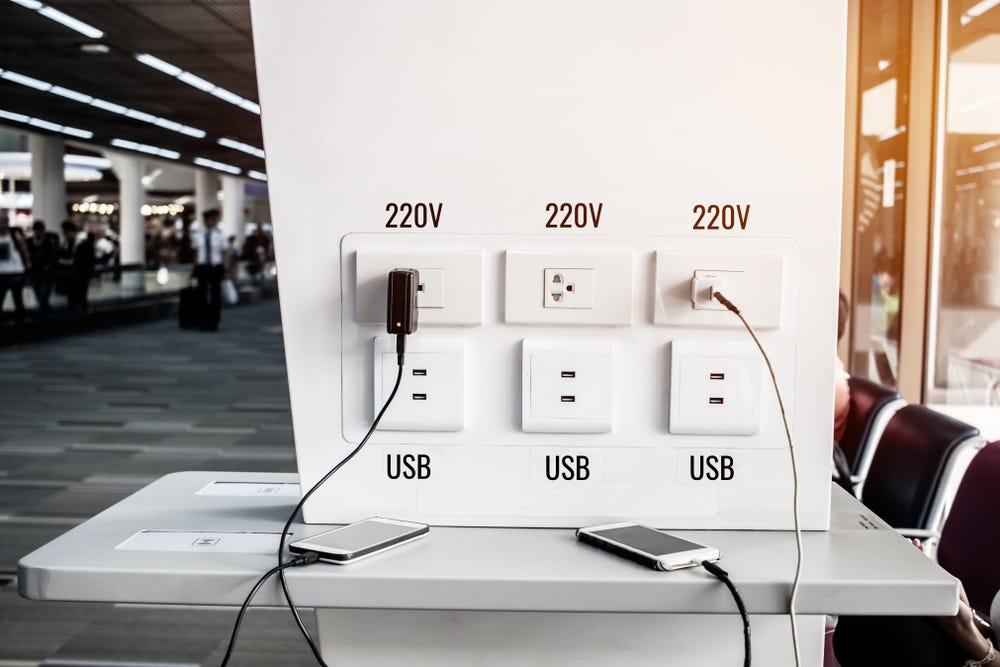
We have all been to airports, coffee shops, or hotels that boast free charging stations for your devices. They are incredibly convenient, but they keep you tethered to the station with the looming fear that someone will steal your device if you turn away for one second. Apparently, we have more things to be worried about.
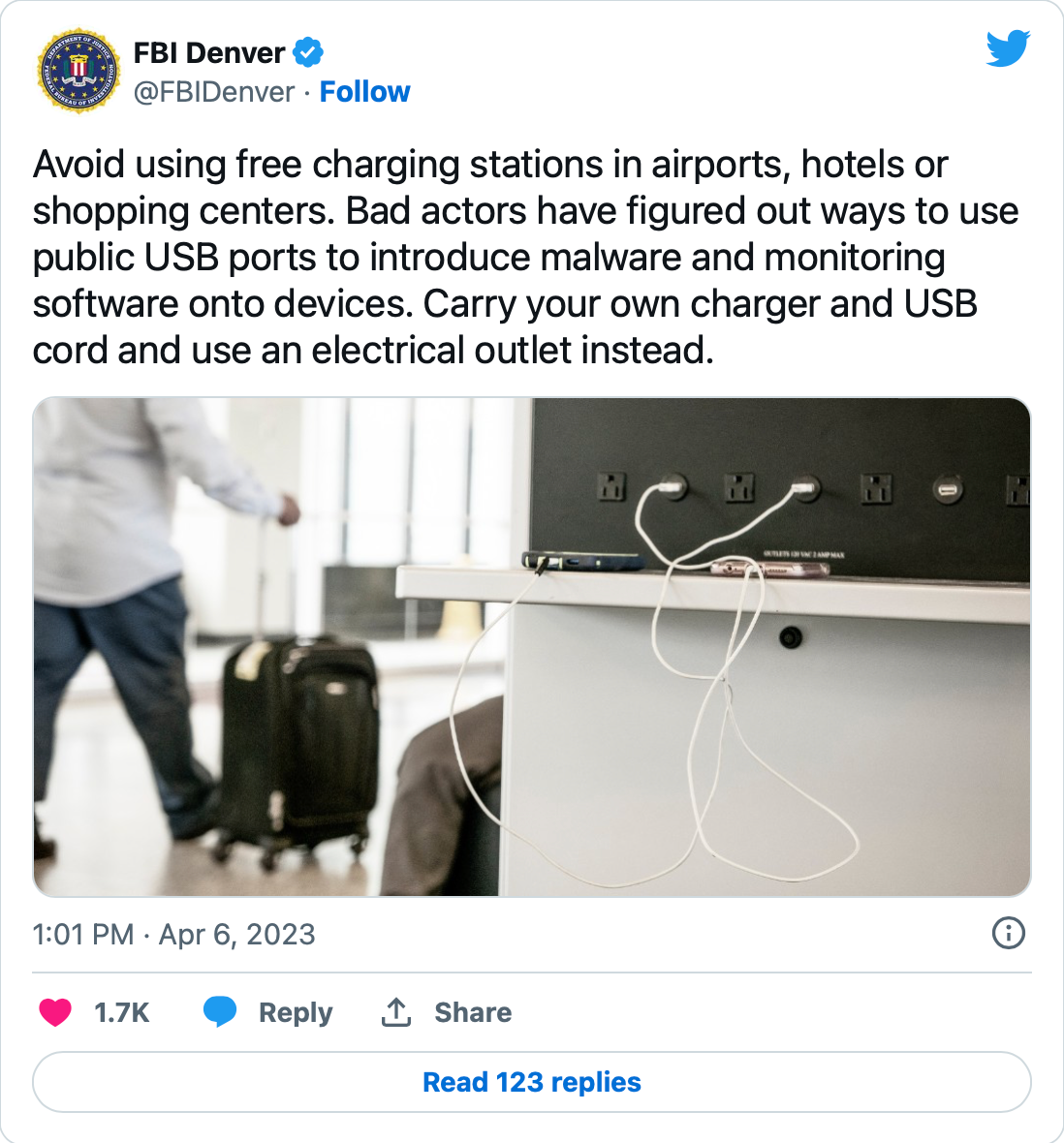
On April 11, Sky News posted an article that highlights a new warning from the FBI about these convenient stations. By using these stations, we are opening ourselves up to an increased risk of “juice jacking and “video jacking.”
“Juice Jacking”
Our devices are not as secure as we think they are.
According to Norton, iPhones and Androids are vulnerable to “juice jacking” because both “the power supply and the data stream pass through the same place.” “Juice jacking” is a process by which a perpetrator infects your phone with a virus or malware while your phone is charging. At a public charging station, this singular cable port design poses a serious threat.
When you plug your phone into a charging station, you are often using the provided USB cable. With “juice jacking,” the perpetrator is relying on an infected cable or charging port. Once your phone is connected to one of these infected items, it becomes very easy for the perpetrator to install key tracking software on your device which will allow them to gain access to sensitive, personal information like passwords or to transfer data directly from your device to themselves remotely. Normally, when you connect your phone to a new device, you are asked on the device supplying the power if you “trust” the new device. In the case of a charging station, you are not able to see the power supplying device as it is often concealed. Your device could very easily be monitored and marked as “trusted” which will allow a perpetrator to access all of the data on your device.
“Video Jacking”
“Video jacking” is equally as frightening. This method of hacking allows perpetrators to see everything that is happening on your device while the device is plugged into the infected USB cable or charging port. Most of your devices, especially your phone, can share its screen to a larger device when they are connected via a USB cable. This feature is incredibly beneficial when you need to increase the size of your phone, but it also is another avenue for hackers to exploit through. In the case of “video jacking,” your screen is automatically, directly recorded and saved for the review of the perpetrator at a later time.
With both of these methods, you will likely have no idea that your device has been compromised until it is too late. You may receive a compromised password warning from your device or a notification of strange login activity from another location. Despite all of these checks, they may come too late to be of use.
My advice moving forward: use a personal, portable charger or a normal, electrical outlet with your own charger block and cable. Further, as convenient as it is to save and store all of your passwords on your device, do not do this. This provides additional risk for you and a higher reward for the perpetrator stealing your data. If your device is compromised, all your accounts will be compromised as well. You can protect yourself by keeping passwords saved on external devices or keeping track of them the old-fashioned way: on paper.